

Key Takeaways
- Samsung Note 5 Battery Overview: The device features a non-removable 3,000 mAh lithium-ion battery, which can face issues like rapid draining, failure to charge, or overheating over time.
- Battery Removal Precautions: Always power off the device, use plastic tools to avoid damage, and ensure a clean workspace to prevent losing small components.
- Essential Tools for Battery Removal: Gather a suction cup tool, plastic pry tools, small Phillips screwdriver, tweezers, and an anti-static wrist strap for an efficient and safe battery replacement process.
- Step-by-Step Battery Removal: Carefully remove the back cover, disconnect the battery connector, and gently lift out the battery, using proper techniques to prevent damage or leaks.
- Selecting Quality Replacement Batteries: Opt for high-quality, compatible batteries with at least 3,000 mAh capacity to ensure optimal device performance after replacement.
- Safe Battery Disposal: Dispose of old batteries responsibly at recycling centers to protect the environment and adhere to safety regulations.
Ever found yourself in a situation where your Samsung Note 5 just won’t turn on? Maybe it’s time to replace that old battery, but you’re not sure how to get it out. Don’t worry, you’re not alone. Many users face this challenge, and it can feel a bit daunting at first.
Overview of Samsung Note 5 Battery
The Samsung Note 5 features a non-removable lithium-ion battery with a capacity of 3,000 mAh. This battery provides significant performance to support various tasks, including multitasking, gaming, and streaming.
When the Note 5 experiences issues like not turning on, many users consider battery replacement. Degradation of battery life often occurs after continuous use. Symptoms of battery problems may include rapid discharging, unexpected shutdowns, or overheating.
Battery Specifications
- Type: Lithium-ion
- Capacity: 3,000 mAh
- Voltage: 3.85V
Common Battery Issues
- Rapid Battery Drain: Certain apps or settings might cause excessive battery usage.
- Failure to Charge: The charger or charging port could be malfunctioning, leading to charging problems.
- Overheating: Prolonged use or damaged batteries can result in overheating.
Being aware of these characteristics helps you evaluate the health of your Note 5 battery. If issues persist, removing the battery for diagnostics and potential replacement becomes essential.
Warning and Precautions
Before you begin the process of removing the battery from your Samsung Note 5, take a moment to consider some important warnings and precautions. Safety is key to avoid damage or injury.
Recommended Products

【Compatible Model】:Note 5 Replacement Battery compatible with models :for Samsung Galaxy Note 5 N920 N920V N920A N920T N920P N920R4
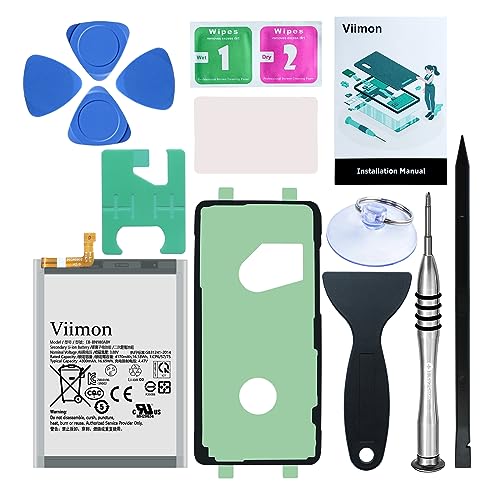
【0 Cycle and OEM Battery Cells】OEM quality Galaxy Note 20 battery replacement perfect fit your phone. It is safer than so-called upgraded high-capacity batteries. No potential risks during use. Multiple protection features to prevent overcharging and prevent overheating. Built-in microchip to ensure safe battery charging and improve battery life. NOTE: Please fully charge and discharge your new battery 3 to 5 cycles to release all capacity of the new battery.

Guaranteed for One Full Year - Includes Video Instructions, Free Special Tools, and Long Life Battery
Safety Tips
- Always power off your device before starting the battery removal process. This will prevent electrical shorts and protect your device.
- Avoid using metal tools while prying open the phone. Opt for plastic tools, as metal can cause damage to inner components and increase the risk of static electricity discharge.
- Keep your workspace clean and organized. Small screws and components can easily get lost, leading to complications during reassembly.
- Handle the battery with care. A punctured or damaged battery can leak, swell, or even spark a fire. If you notice any deformities, discard the battery immediately according to local regulations.
- Work in a well-ventilated area. Although the risk is low, there’s a chance of fumes being released from the battery.
Important Tools Required
- Plastic Pry Tools: These tools minimize the risk of damaging internal components while opening the device.
- Small Phillips Screwdriver: A precision screwdriver is necessary for unscrewing the battery compartment.
- Tweezers: Used for gripping and maneuvering small parts without risking drops.
- Suction Cup Tool: This tool helps separate the screen from the body of the phone, allowing you to access the battery more easily.
- Anti-Static Wrist Strap: Wearing this strap can prevent static electricity from damaging sensitive electronic parts.
Using the right tools and following safety precautions simplifies the battery removal process from your Samsung Note 5.
Step-by-Step Guide
Follow these steps carefully to remove the battery from your Samsung Note 5. A few simple tools and patience will help you complete the process.
Recommended Products

High-Quality Battery with Long-Lasting Performance: Built with premium 0-cycle battery cells, For Galaxy Note 20 Replacement Battery ensures optimal performance and extended battery life, offering a dependable power solution that meets high-quality standards.
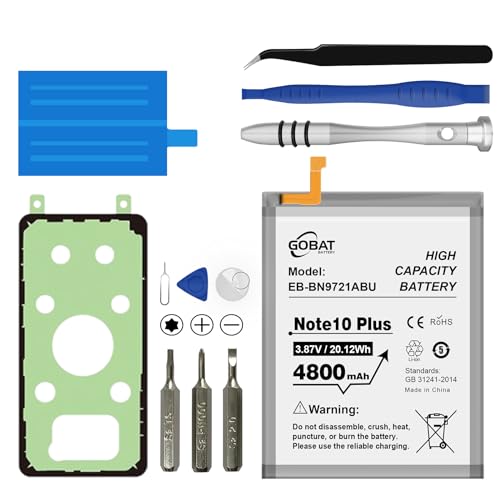
{COMPATIBLE MODELS}:This Replacement battery Compatible with Samsung Galaxy Note 10 Plus (Model: N970 N970V N970A).
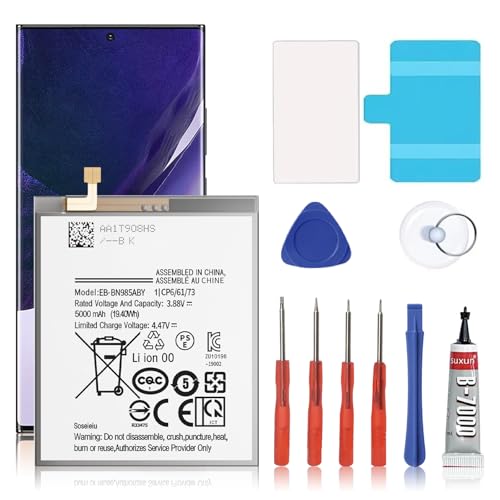
🎋【Compatible Model】EB-BN985ABY Replacement Battery for Samsung Galaxy Note 20 Ultra SM-N985 N986 N986U[Note: Not for GalaxyGalaxy Note 20 Ultra Battery Note 20 other Phone Models]
Preparation Steps
- Power off your Samsung Note 5 to avoid any electrical shorts.
- Gather necessary tools: plastic pry tools, a small Phillips screwdriver, tweezers, a suction cup tool, and an anti-static wrist strap.
- Prepare your workspace. Keep a clean and clutter-free area to avoid losing small screws and components.
Removing the Back Cover
- Position the suction cup tool on the lower half of the back cover.
- Pull the suction cup gently while using a plastic pry tool to create a gap between the back cover and the device.
- Slide the pry tool around the edges to fully detach the back cover, then lift it off carefully.
Disconnecting the Battery
- Locate the battery connector on the motherboard. It’s typically near the bottom.
- Use the plastic opening tool to gently lift the connector away from its socket. Avoid using metal tools to prevent damage.
- Ensure you handle all components with care to maintain device integrity during the process.
Removing the Battery
- Find the battery adhesive strips along the edges of the battery.
- If necessary, use the plastic pry tool to loosen the battery by working it underneath the edges.
- Once loose, carefully lift the battery out of the device. Handle it gently to prevent leakage or damage.
Follow these instructions step by step for a successful battery removal.
Tips for Replacing the Battery
Recommended Products
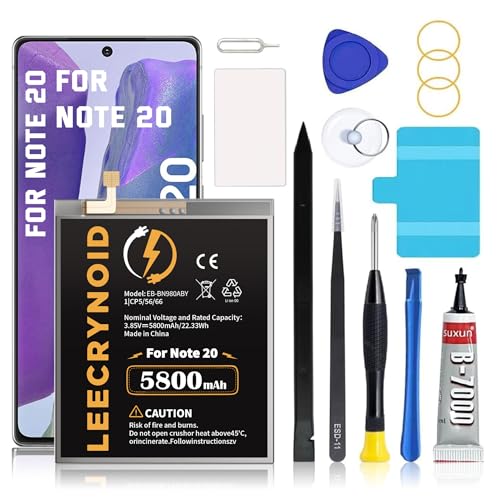
【Battery Compatible Model】: This Upgraded high capacity battery compatible with Samsung Galaxy Note 20 SM-N980, N980V, N980A, N980T, N980P, N980R4, N980U, N980U1Please confirm your model before purchase,(Not Compatible with note 20 Ultra)

☪Compatible Models: This Galaxy Note 3 battery Compatible with Samsung Galaxy Note 3 N9000 N9005 N900A N900V N900P N900T.Please confirm your phone model before buying.

🎋【Compatible Model】EB-BN980ABY Replacement Battery for Samsung Galaxy Note 20 SM-N980 SM-N981U[Note: Not for Galaxy Note 20 Ultra other Phone Models]
Choose Quality Replacement Parts
Select a high-quality replacement battery from a reputable supplier. Look for batteries with a capacity of 3,000 mAh or higher to maintain optimal performance. Always check for compatibility with the Samsung Note 5 model.
Prepare Your Workspace
Set up your workspace in a well-lit area, free from distractions. Use a soft cloth to create a clean surface. This prevents scratches and keeps screws organized. Lay out your tools beforehand to streamline the process.
Follow Step-by-Step Instructions
Stick to a detailed manual or guide when removing the old battery. Each step is crucial for avoiding damage. Ensure you carefully disconnect cables before removing the battery to protect internal components.
Handle with Care
When removing the battery, do so gently. Avoid applying excessive force, which can cause leaks or damage. If the battery feels stuck, use a little heat to soften the adhesive. Proceed slowly to minimize risks.
Wear Safety Gear
Put on safety glasses to protect your eyes from any battery leaks. An anti-static wrist strap prevents electrostatic discharge, which can harm sensitive electronics. Prioritizing safety helps prevent accidents during the replacement process.
Dispose of Old Batteries Properly
Take your old battery to a recycling center. Many local e-waste facilities accept batteries for safe disposal. This keeps harmful materials out of landfills and supports environmental health.
Test the New Battery
After installing the new battery, power on your Samsung Note 5. Confirm that it charges properly and operates without issues. Observe for any irregular behavior, which may indicate installation problems.
Conclusion
Removing the battery from your Samsung Note 5 might seem intimidating at first but with the right tools and a little patience you can do it safely and effectively. Remember to take your time and follow the steps carefully to avoid any mishaps.
Once you’ve replaced the battery make sure to test your device to ensure everything’s working smoothly. If you notice any issues keep an eye on it for a bit to catch any potential problems early on.
By taking these steps you can breathe new life into your Note 5 and enjoy all the features it has to offer once again. Happy troubleshooting!
Frequently Asked Questions
Why won’t my Samsung Note 5 turn on?
The Samsung Note 5 may not turn on due to battery issues, such as degradation or complete discharge. If the device does not respond when plugged in, a battery replacement may be necessary.
How do I know if my battery needs to be replaced?
Signs of a failing battery include rapid discharge, unexpected shutdowns, overheating, or difficulty charging. If you notice these symptoms, consider replacing the battery.
What tools do I need to replace the battery on a Note 5?
You will need plastic pry tools, a small Phillips screwdriver, tweezers, a suction cup tool, and an anti-static wrist strap for safe and effective battery removal.
Is it safe to replace the Note 5 battery myself?
Replacing the battery yourself can be safe if you follow proper precautions. Always power off the device, use plastic tools, and work in a clean environment to minimize risks.
How can I dispose of the old battery safely?
Dispose of old batteries at designated recycling centers or hazardous waste facilities to prevent environmental damage and avoid potential safety hazards. Do not throw them in regular trash.
