

Ever wondered why your LG G5 battery seems to drain faster than you can say “smartphone”? Picture this: you’re out and about, relying on your phone for directions, messages, and snapping pics, only to find it gasping for power when you need it most. Frustrating, right?
LG G5 Battery Life Overview
So, let’s talk about LG G5 battery life.
Here’s what you need to know:
- On average, the battery on an LG G5 typically lasts around up to 14 hours with general usage.
- Heavy usage of your LG G5 can drain the battery much faster, cutting it down to about 5-6 hours.
- Screen brightness, active apps, and network connectivity can all impact how long your battery lasts.
One tip to prolong battery life is to adjust your settings.
Lowering screen brightness and turning off features like Bluetooth when not in use can help conserve battery power.
Remember, battery life can vary depending on how you use your device, so it’s a good idea to keep an eye on your usage habits.
Factors Affecting LG G5 Battery Life
When it comes to LG G5 battery life, several factors influence how long your device can stay powered throughout the day. Understanding these factors can help you maximize the battery performance of your LG G5. Here are some key elements to consider:
- Screen Brightness: The brightness level of your screen significantly impacts battery consumption. Higher brightness settings drain the battery faster. Consider lowering the brightness when possible to conserve power.
- Active Apps: Running multiple apps simultaneously can strain your battery life. Close unused apps running in the background to reduce battery usage.
- Network Connectivity: Constant data usage, especially in areas with weak signals, can accelerate battery drain. When not needed, switch to Wi-Fi instead of mobile data to preserve battery life.
- Location Services: GPS and location services consume power as they continuously track your device’s location. Disable location services for apps that do not require it to save battery.
- Push Notifications: While convenient, frequent push notifications can impact battery life. Opt to receive notifications only from essential apps to reduce battery usage.
- Display Timeout: Setting a shorter display timeout period can help conserve battery by turning off the screen sooner when not in use.
By being mindful of these factors and making simple adjustments to your device settings, you can extend the battery life of your LG G5 and ensure it lasts longer throughout your day.
Recommended Products
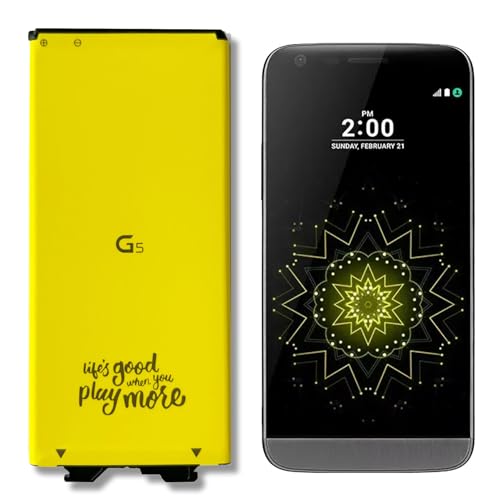
[Exact BL-42D1F fit] This Replacement Battery Compatible with LG G5 BL-42D1F VS987 Verizon, H820 At&T, LS992 Sprint, H830 T-Mobile, US992 US Cellular, H845 H860 H890 Phone.

✯【Professional Compatibility Models Design】Our LG K20 Plus Battery compatible with LG BL-46G1F, LG K20 Plus, LG LV5, LG K20V, LG LV532GB, LG MetroPCS MP260, LG T-Mobile TP260, LG Verizon Wireless VS501, LG M257 / LV517for LG BL-46G1F, LG K20 Plus, LG LV5, LG LV532GB, LG MetroPCS MP260, LG T-Mobile TP260, LG Verizon Wireless VS501, LG M257 ,M255 / LV517.

【Compatible Model】:BL-53YH Replacement Battery compatible with models : For LG G3 Model D852, D855, D850, D851, VS985, LS990.
Tips to Extend Your LG G5 Battery Life
When it comes to maximizing the battery life of your LG G5, implementing some key strategies can make a significant difference in how long your device lasts on a single charge. Here are some practical tips to help you get the most out of your smartphone’s battery:
- Adjust Screen Brightness: Lowering the brightness when indoors or at night can save power. Find an optimal balance between visibility and conserving battery life.
- Close Unused Apps: Apps running in the background drain battery, so make sure to close those you’re not actively using.
- Switch to Wi-Fi: Using Wi-Fi instead of cellular data can be more energy-efficient for browsing and streaming.
- Disable Unnecessary Location Services: Limiting which apps have access to your location can help reduce battery usage.
- Manage Push Notifications: Minimize unnecessary notifications to prevent your phone from lighting up or vibrating frequently, conserving battery power.
- Set a Shorter Display Timeout: Having your screen turn off after a shorter period of inactivity can help in saving battery life.
| Statistics |
|---|
| Screen Brightness: Lower for indoor use. |
| Wi-Fi Usage: More efficient than cellular data. |
| App Management: Close unused apps to save power. |
| Location Services: Disable unnecessary access. |
| Push Notifications: Manage to reduce battery drain. |
| Display Timeout: Set a shorter period for screen turn-off. |
Recommended Products

✨【Compatible Devices】Compatible with for LG G5 BL-42D1F, VS987(Verizon), H820(AT&T), H830(T-Mobile), LS992(Sprint), US992(US Cellular), H845(International Version), Dual H850, H858, H860

【More Capacity】 Same size but more capacity and more power life. This battery prolongs the phone service time, you can use the high capacity battery directly without bothering about running out of power and shut down some apps all the time.
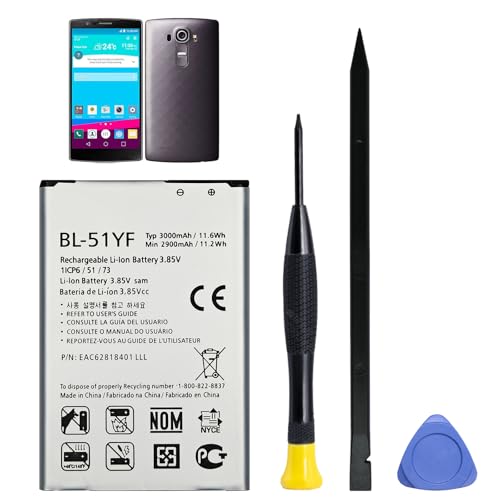
Compatible Models: Battery model BL-51YF, only compatible with LG G4 LS991, VS986, VS999, H812, H815, H810, H811, Vista 2 H740 STYLO LS770 H631 MS631 H634 H635 F500. Please confirm your phone model to ensure compatibility before purchase.
Common Issues with LG G5 Battery Drain
If you’re experiencing quick battery drain on your LG G5, it can be frustrating. Here are some common issues that may be causing this:
- Background Apps: Apps running in the background can consume a significant amount of battery.
- Screen Brightness: Having the screen brightness at maximum levels can drain your battery faster.
- Location Services: Constant use of GPS and location services can impact battery life.
- Push Notifications: Frequent notifications can also contribute to battery drain.
- Old Battery: Over time, the battery capacity of your device may decrease, resulting in quicker drainage.
To address these issues and extend the battery life of your LG G5, try the following tips:
- Close unused apps regularly.
- Adjust screen brightness to an optimal level.
- Use Wi-Fi instead of cellular data when possible.
- Disable unnecessary location services.
- Manage push notifications for only essential apps.
- Set a shorter display timeout to conserve battery.
It’s essential to identify and resolve these common battery drain issues to maximize the usage and longevity of your LG G5 device.
Recommended Products
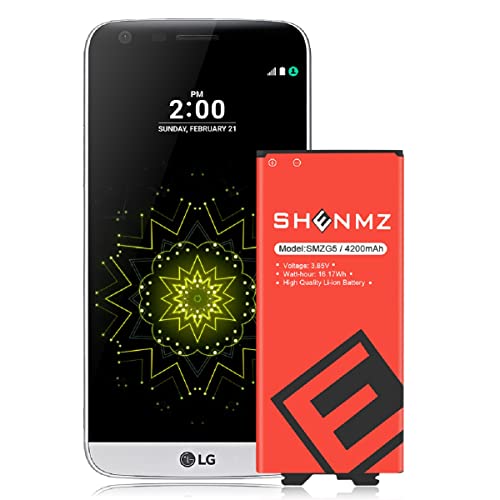
✅ Compatible Devices: Developed specially for LG G5.Compatible with LG G5 BL-42D1F VS987 /H820 /LS992 /H830 /US992 /Dual H860N / BCK-5100
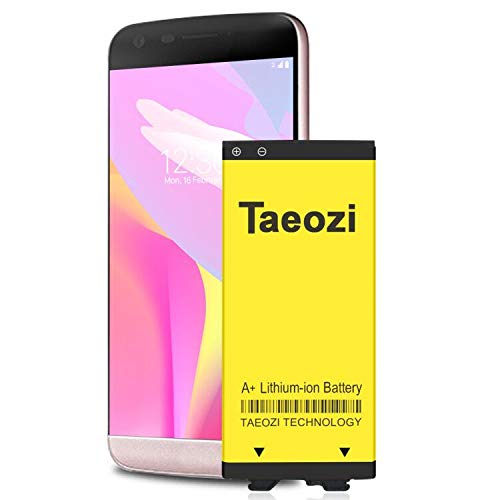
100% Full Compatibility: This a Updated G5 Replacement Battery Compatible with LG G5 BL-42D1F VS987 Verizon, H820 At&T, LS992 Sprint, H830 T-Mobile, US992 US Cellular, H845 H860 Phone.
![Battery for LG G6, Upgraded ZURUN 3700mAh Li-Polymer BL-T32 Battery Replacement for LG G6 H872 H870 H871 VS998 LS993 with Repair Screwdriver Tool Kit [2 Year Warranty]](https://m.media-amazon.com/images/I/51Wq52tCzzL._SL500_.jpg)
This battery Compatible with LG G6 H872 H870 H871 VS998 LS993, Plz Make sure your phone model is LG G6 before purchasing this battery.
Conclusion
By implementing the recommended strategies outlined in this article, you can significantly improve the battery life of your LG G5 smartphone. Simple adjustments like closing unnecessary apps, optimizing screen brightness, and managing location services can go a long way in extending the time between charges. Additionally, being mindful of push notifications and display timeout settings can further enhance your device’s battery performance. Remember, small changes in your usage habits can lead to substantial improvements in your overall battery longevity. So, take charge of your LG G5’s battery life today and enjoy longer usage without the need for frequent recharging.
Frequently Asked Questions
Why does my LG G5 smartphone battery drain quickly?
Several factors contribute to quick battery drain on LG G5 phones, including background apps running continuously, high screen brightness settings, excessive use of location services, frequent push notifications, and battery degradation over time.
How can I improve my LG G5’s battery life?
To enhance your LG G5’s battery life, try closing unused apps, adjusting screen brightness to a lower level, using Wi-Fi instead of cellular data whenever possible, disabling unnecessary location services, managing push notifications to reduce their frequency, and setting a shorter display timeout.
Will following these tips help optimize my LG G5’s battery performance?
Yes, by implementing these practical solutions, you can effectively optimize your LG G5’s battery performance, extend its battery life, and enhance its overall longevity on a single charge.
